Tibby
Getting paid, sorted.
Invoicing that runs the money — for you, your client, and your accountant.
Tibby is coming to your country soon.
We’re not open where you are just yet. Join the waitlist and we’ll email you the moment Tibby launches in your country.
From draft to paid, in four steps.
Create
Build an invoice in seconds — pick a client, add your work, done.
Send
One click. Your client gets a clean, branded invoice with a pay link.
Get paid
They tap Pay — iDEAL, card or QR. No account, no chasing.
All sorted
Every invoice tracked, reconciled and ready for your accountant.
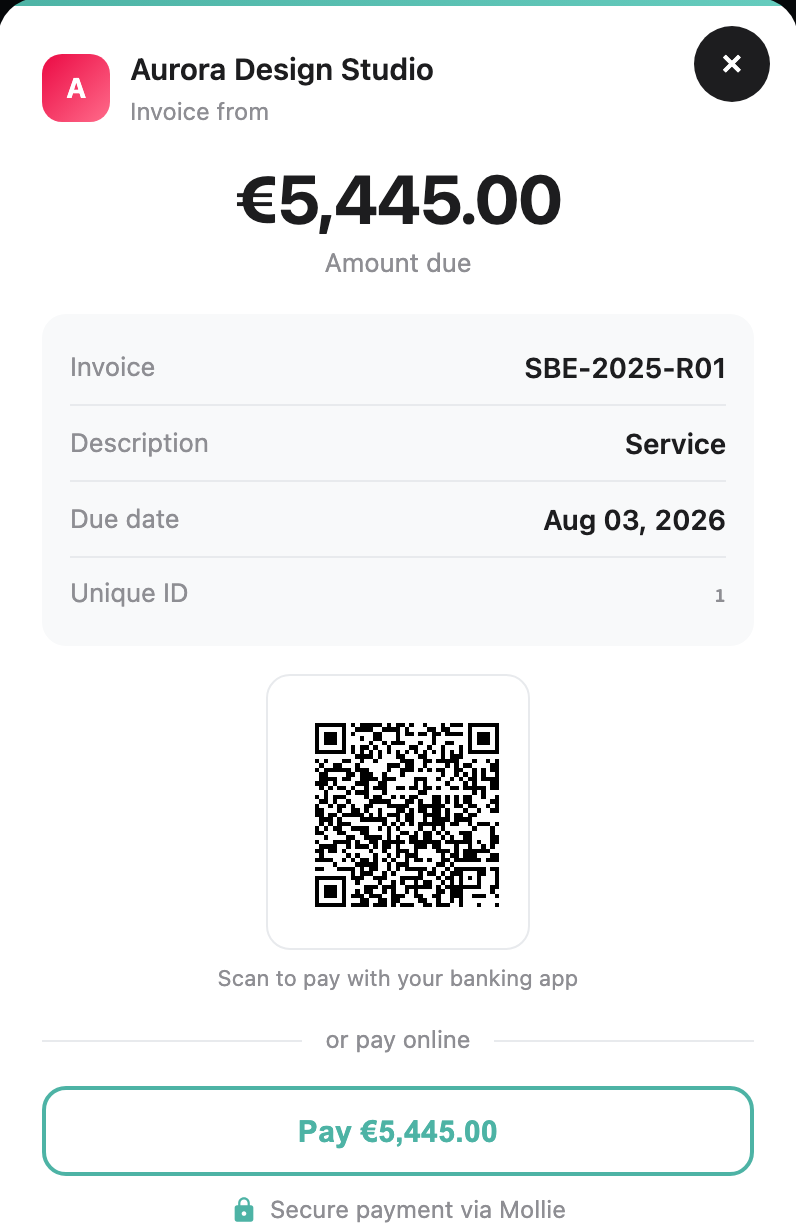
Your clients pay in one click.
Send the invoice, and your client gets a link with the amount, reference and recipient already filled in. They just tap Pay — iDEAL, card, or bank, secured by Mollie. No copying IBANs, no chasing, no “which account was it again?”
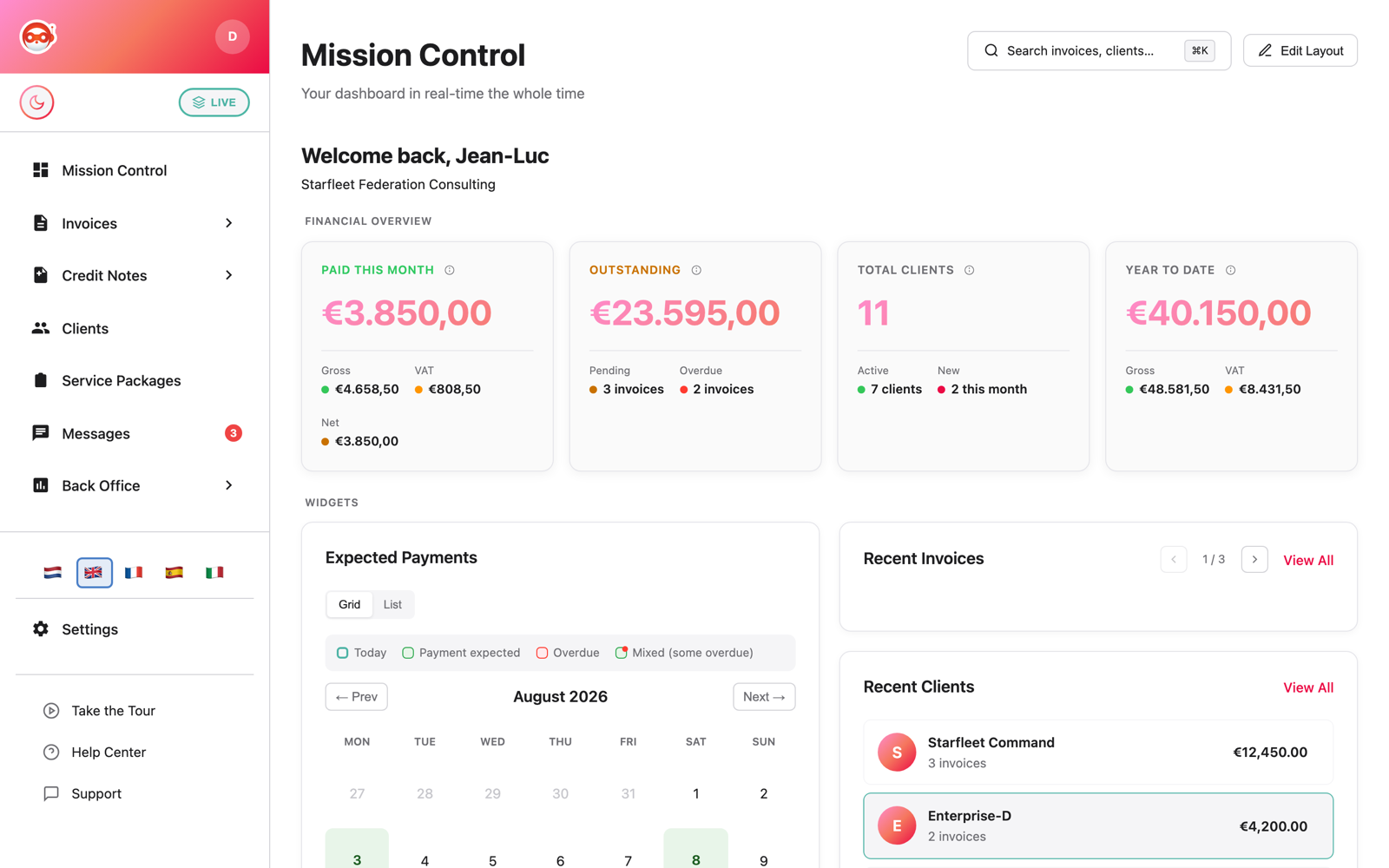
Your financial overview, finally clear.
The thing freelancers lose sleep over — how am I actually doing? — answered at a glance. Paid this month, still outstanding, overdue, and your year to date. No spreadsheet, no guessing.
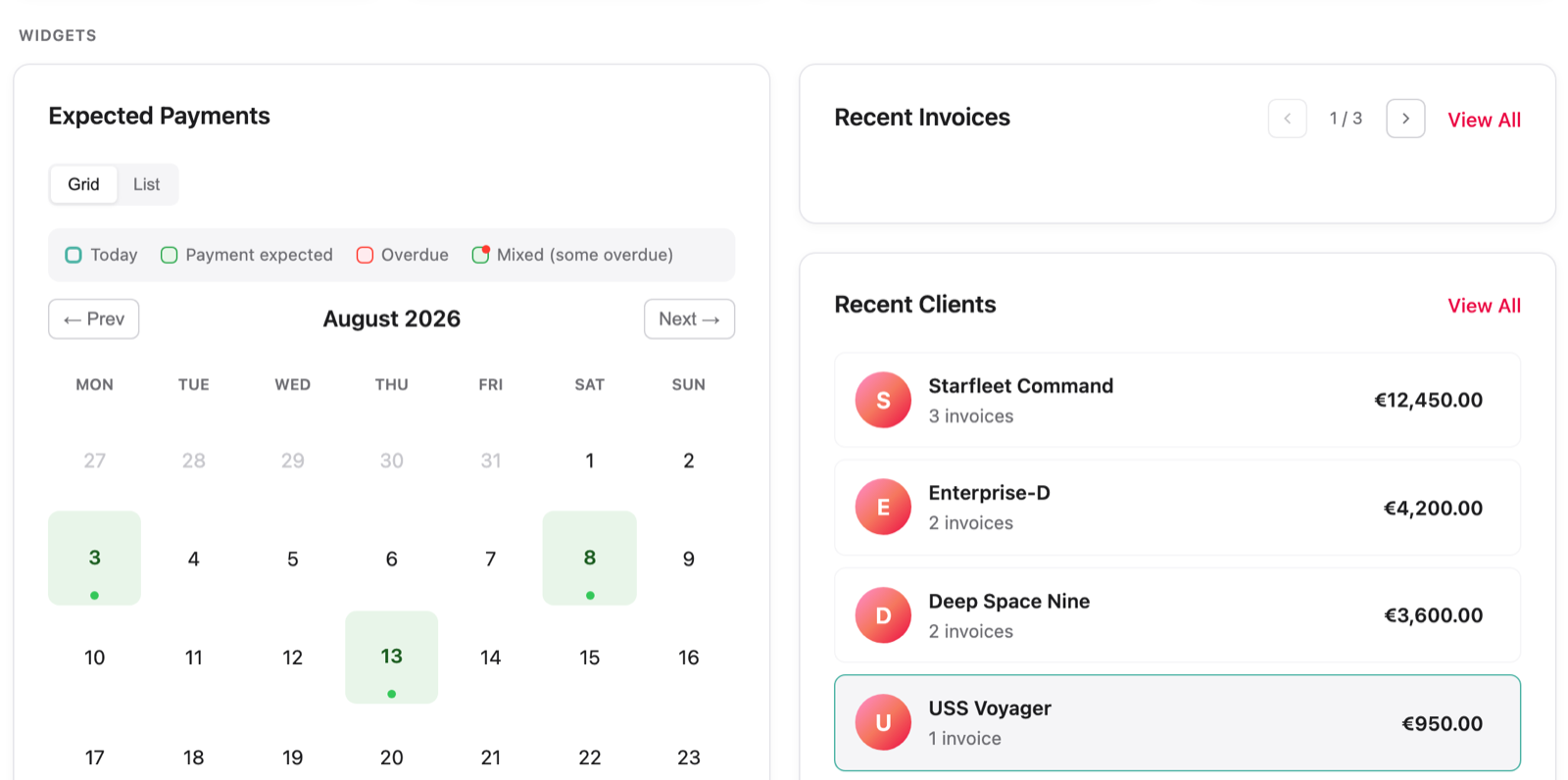
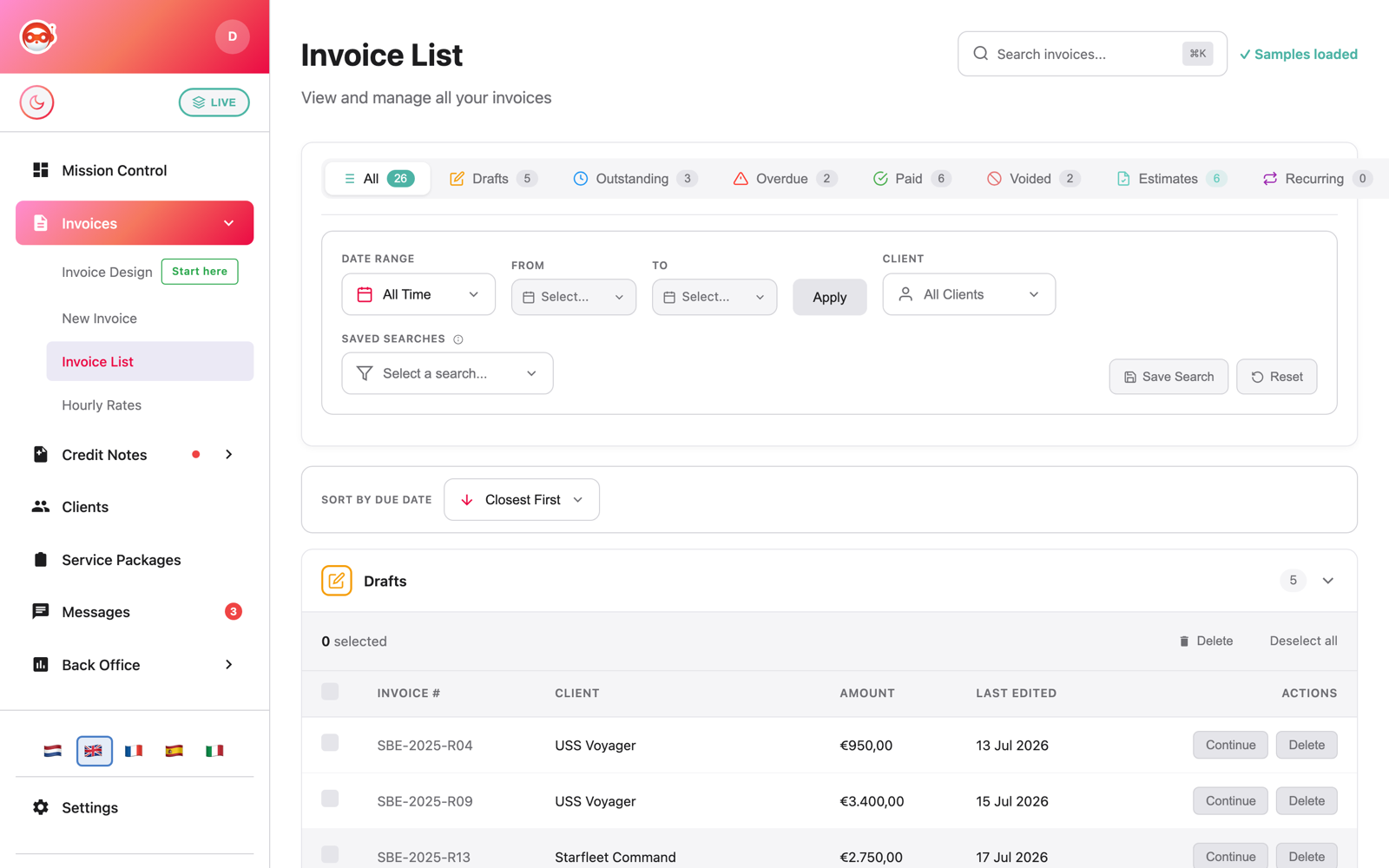
Sent, seen, paid — always tracked.
Create, send, and follow every invoice and estimate — each one showing exactly where it stands. Draft, outstanding, overdue, paid, at a glance, so nothing slips and you never have to go digging.
Your bookkeeper, already sorted.
The whole Back Office — your cash flow at a glance, expenses categorised, and bank payments matched to invoices, then exported in every format your accountant uses. Less shoebox, less month-end scramble.
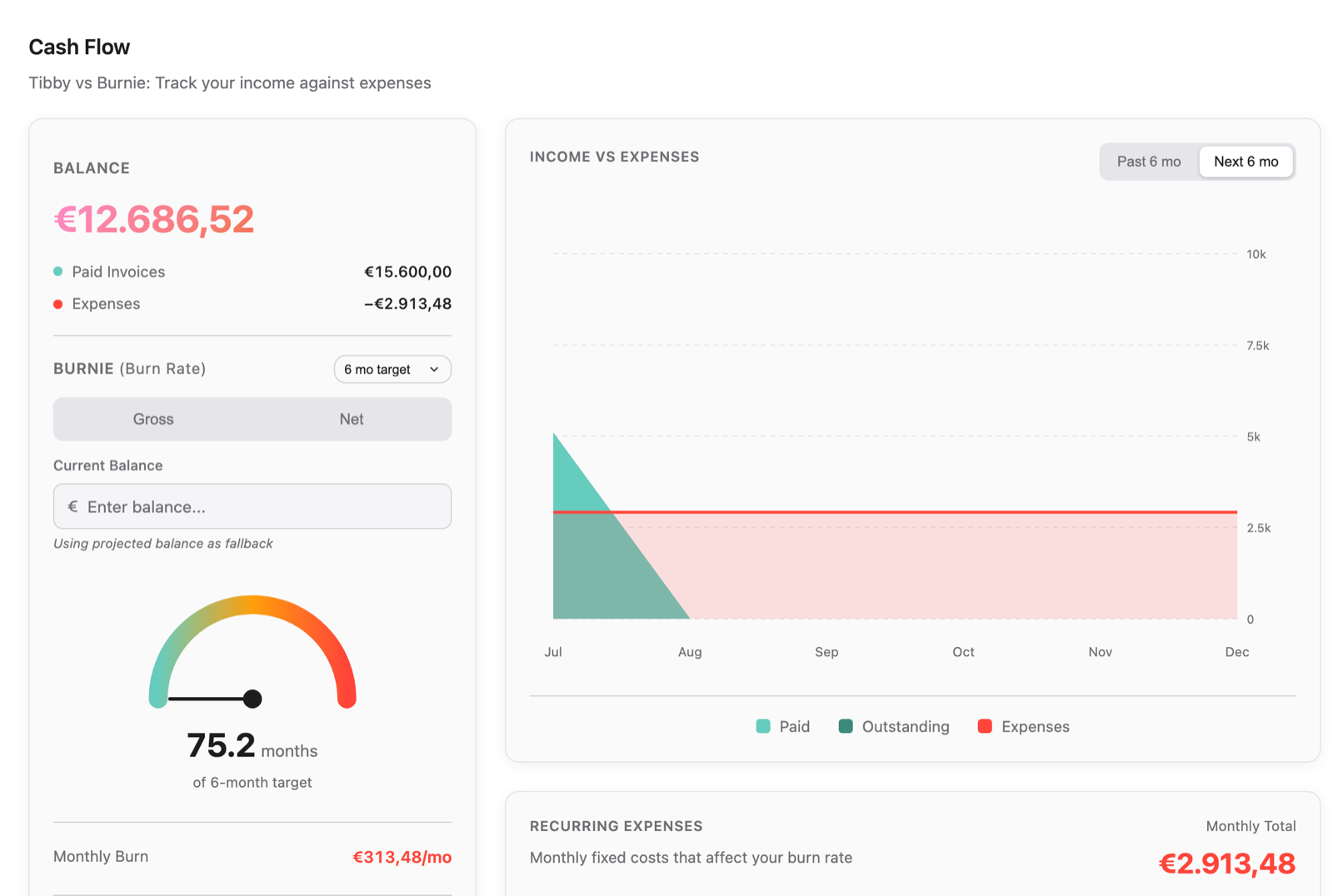
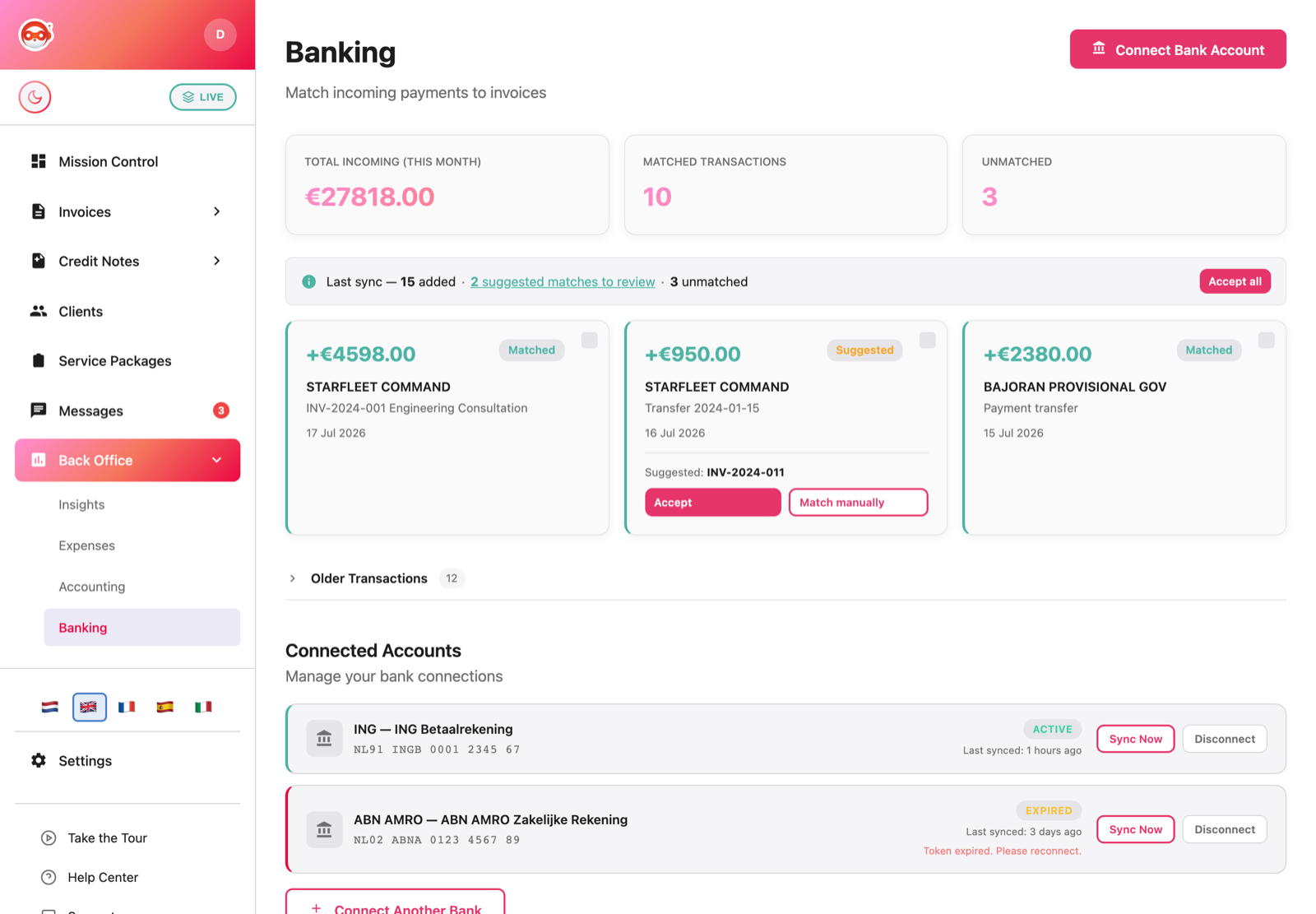
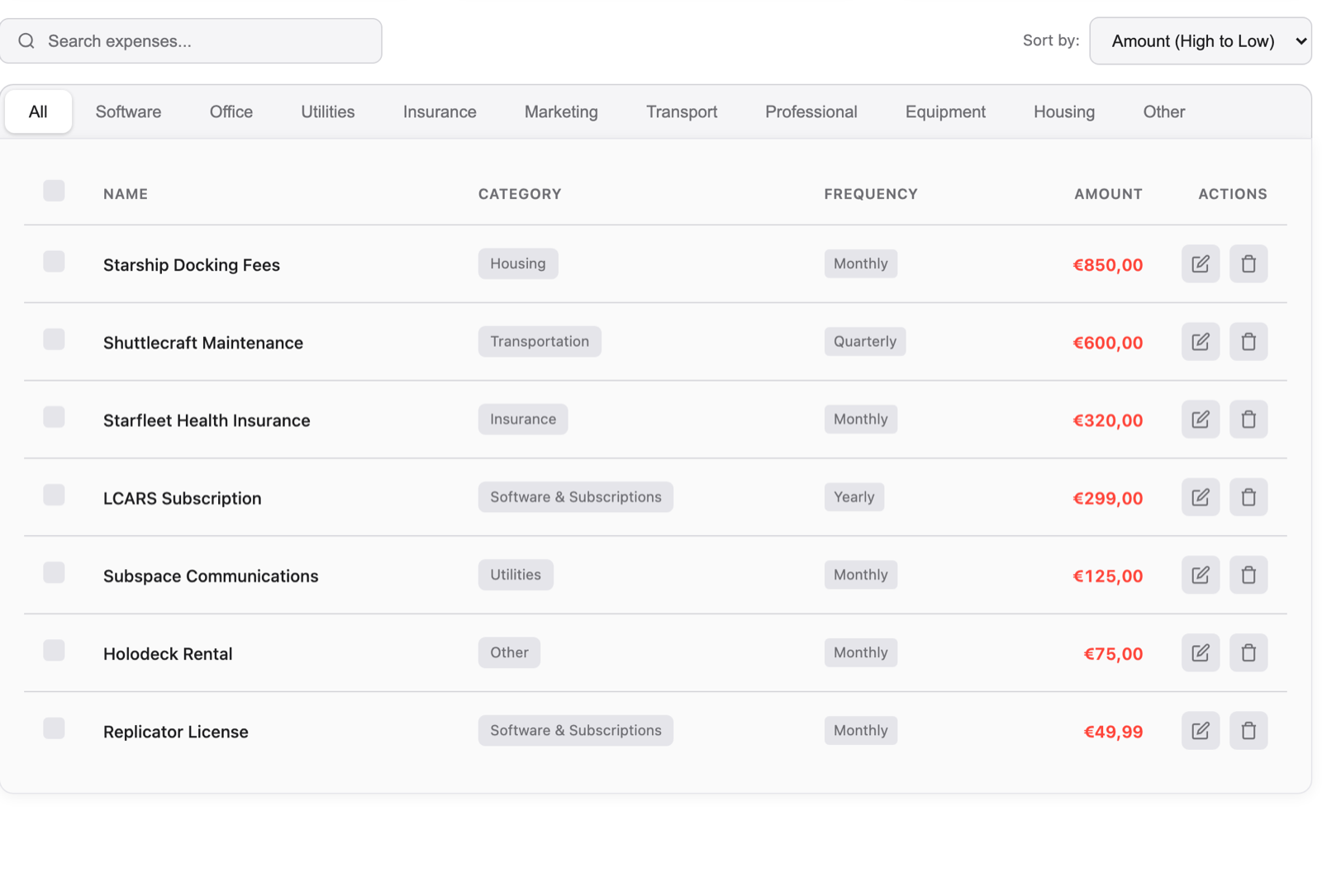
No monthly fee to invoice. Premium for the back-office.
Create invoices and get paid with no monthly fee — you only pay a small 0.5% when you actually get paid. Go premium to drop the fee and unlock accounting, insights, automation and expense capture.
- Unlimited invoices, estimates & templates
- Get paid — iDEAL, card, QR & client portal
- Reminders, credit notes, clients & archive
- No 0.5% fee on payments
- Recurring invoices & reminder automation
- Insights, reports & accounting
- Bank sync, accountant export & expense capture soon
- Founder badge & a direct line to us
- No 0.5% fee on payments
- Recurring invoices & reminder automation
- Insights, reports & accounting
- Bank sync, accountant export & expense capture soon
No payment now — you only subscribe after launch, and only if you still want to. Your clients always pay in one tap (iDEAL, card or QR, no account needed), and you can cancel any time and keep your data.
Tibby runs the money side of freelancing.
Create an invoice, get paid in one click, see exactly where you stand, and hand your accountant a tidy month — all in one place. Built for freelancers everywhere, because getting paid is the hardest part of working for yourself.
What it does
Invoicing, payments, expenses and your financial overview — the whole money side of freelancing, in one calm tool.
Who it’s for
Freelancers, independents and the self-employed — anywhere in the world, in any currency.
Why
Doing the work is the easy part. Getting paid, tracking it and keeping the books is the grind. Tibby takes that off your plate.